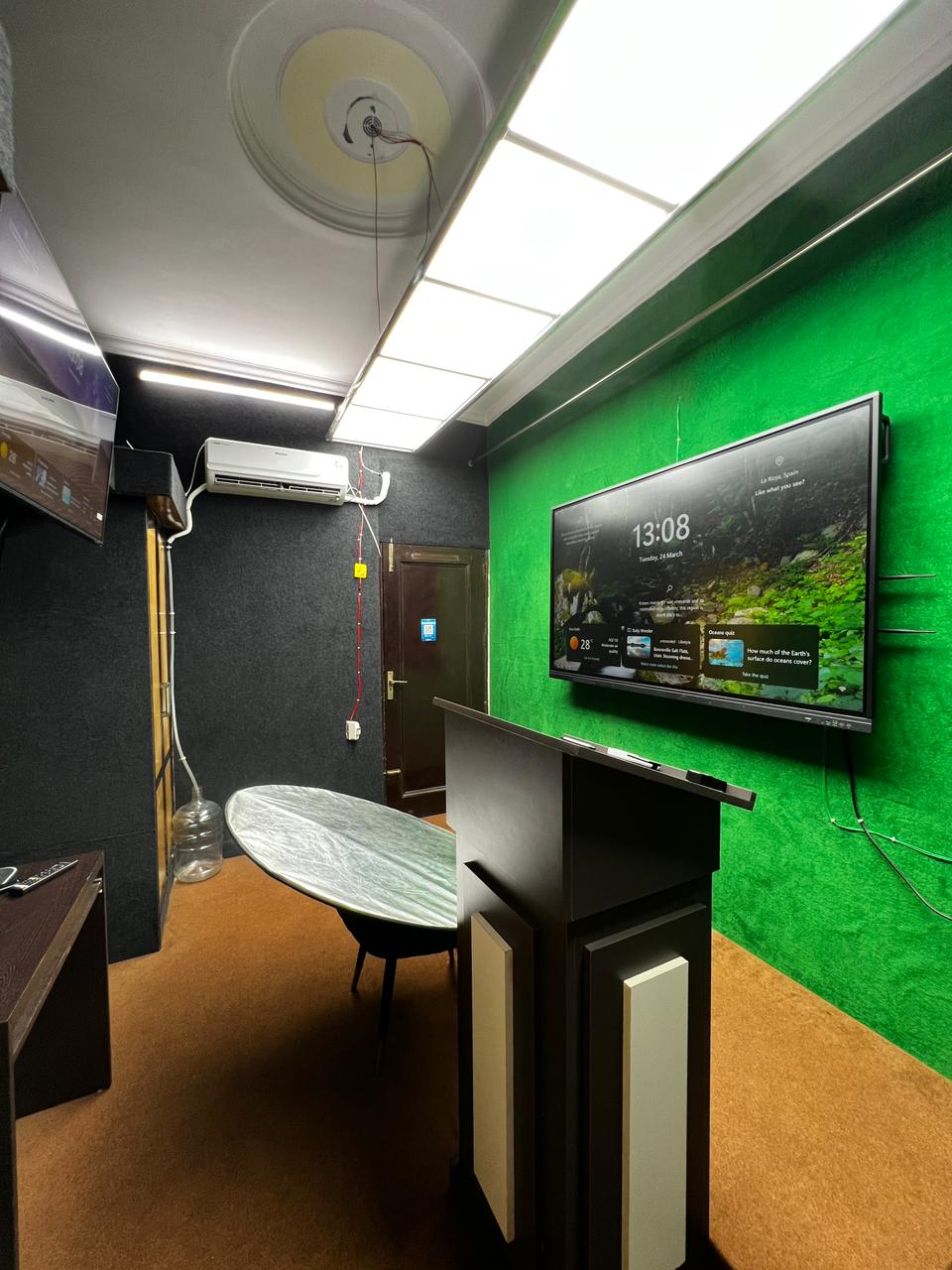
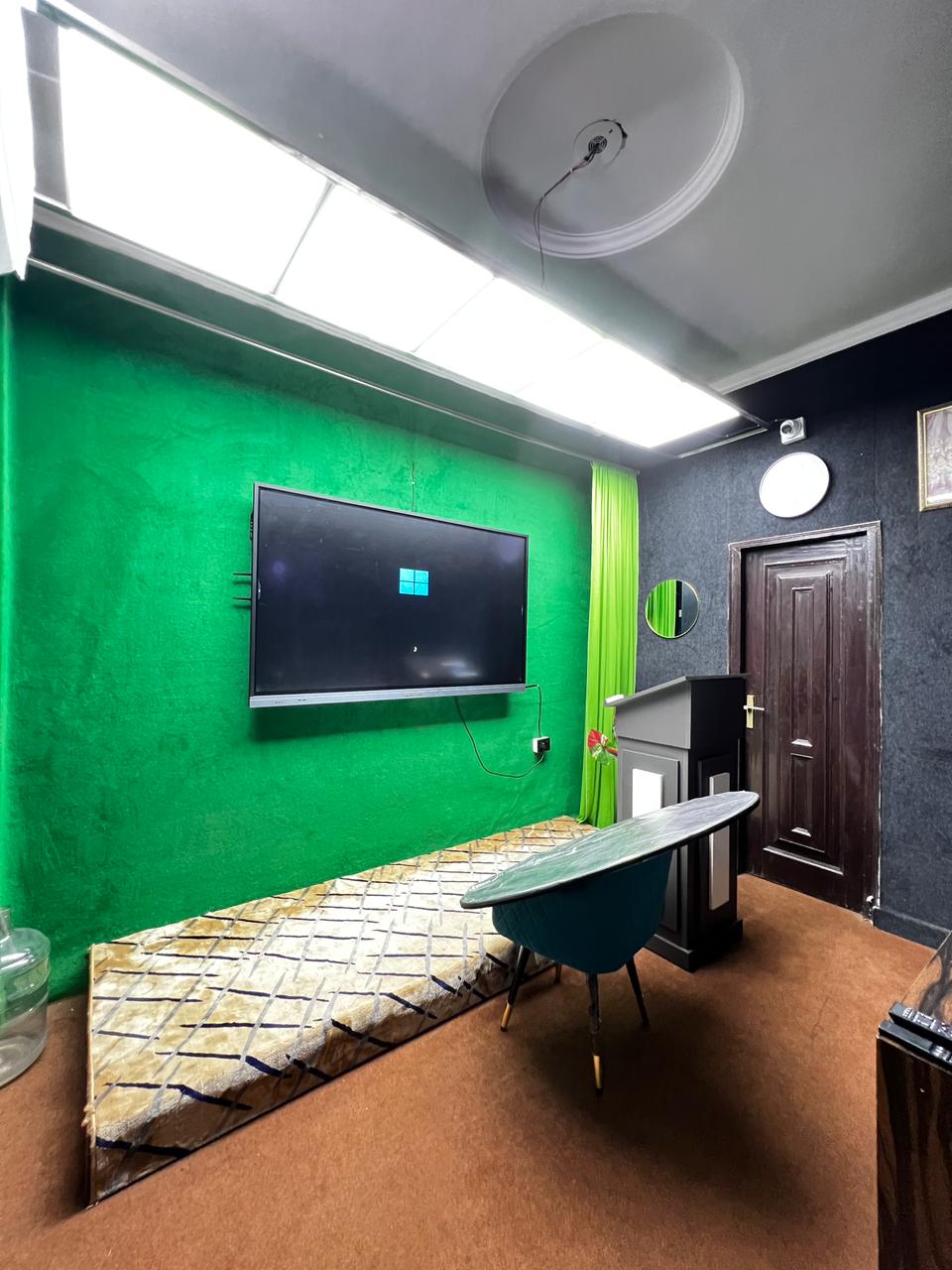
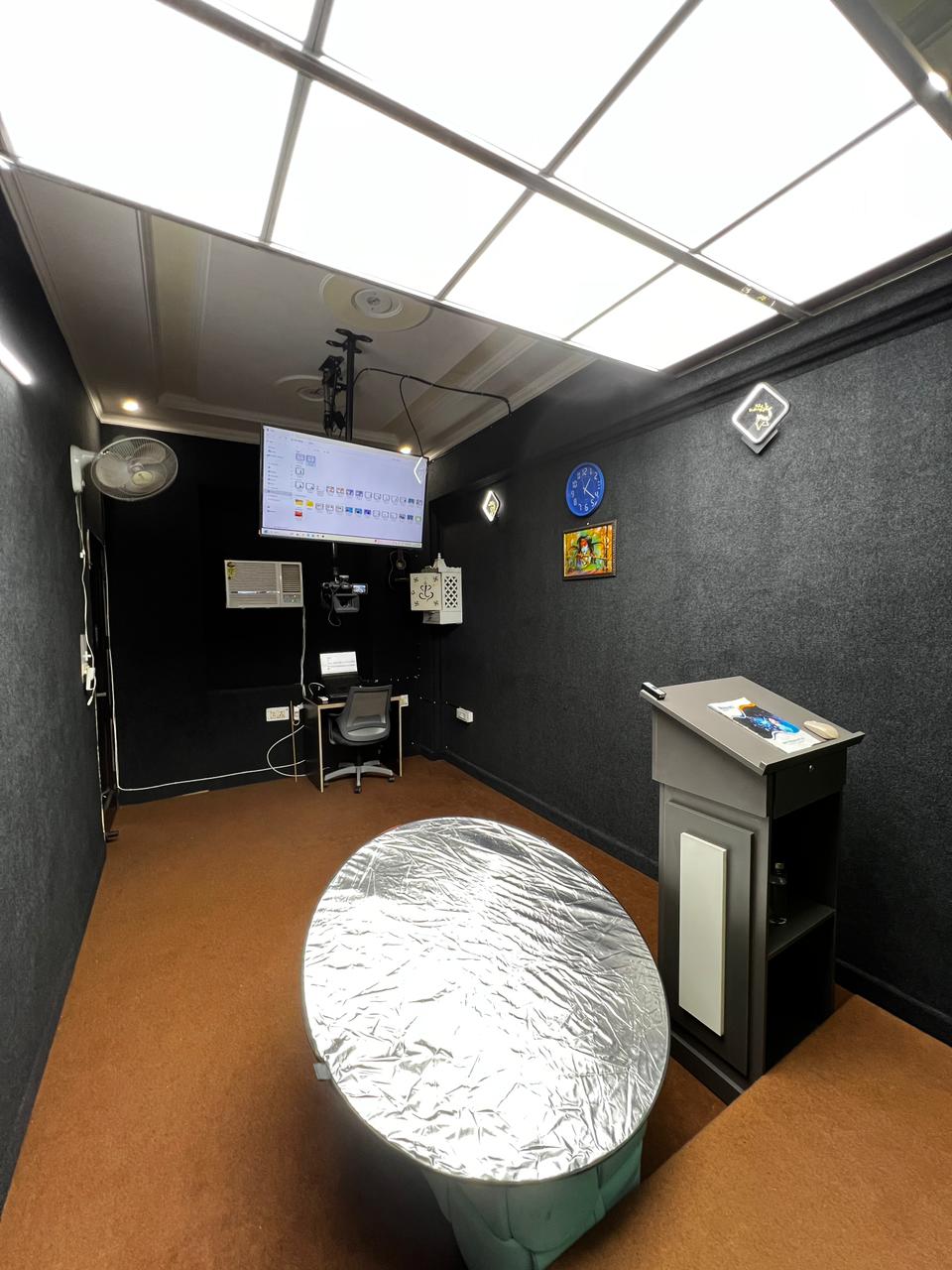
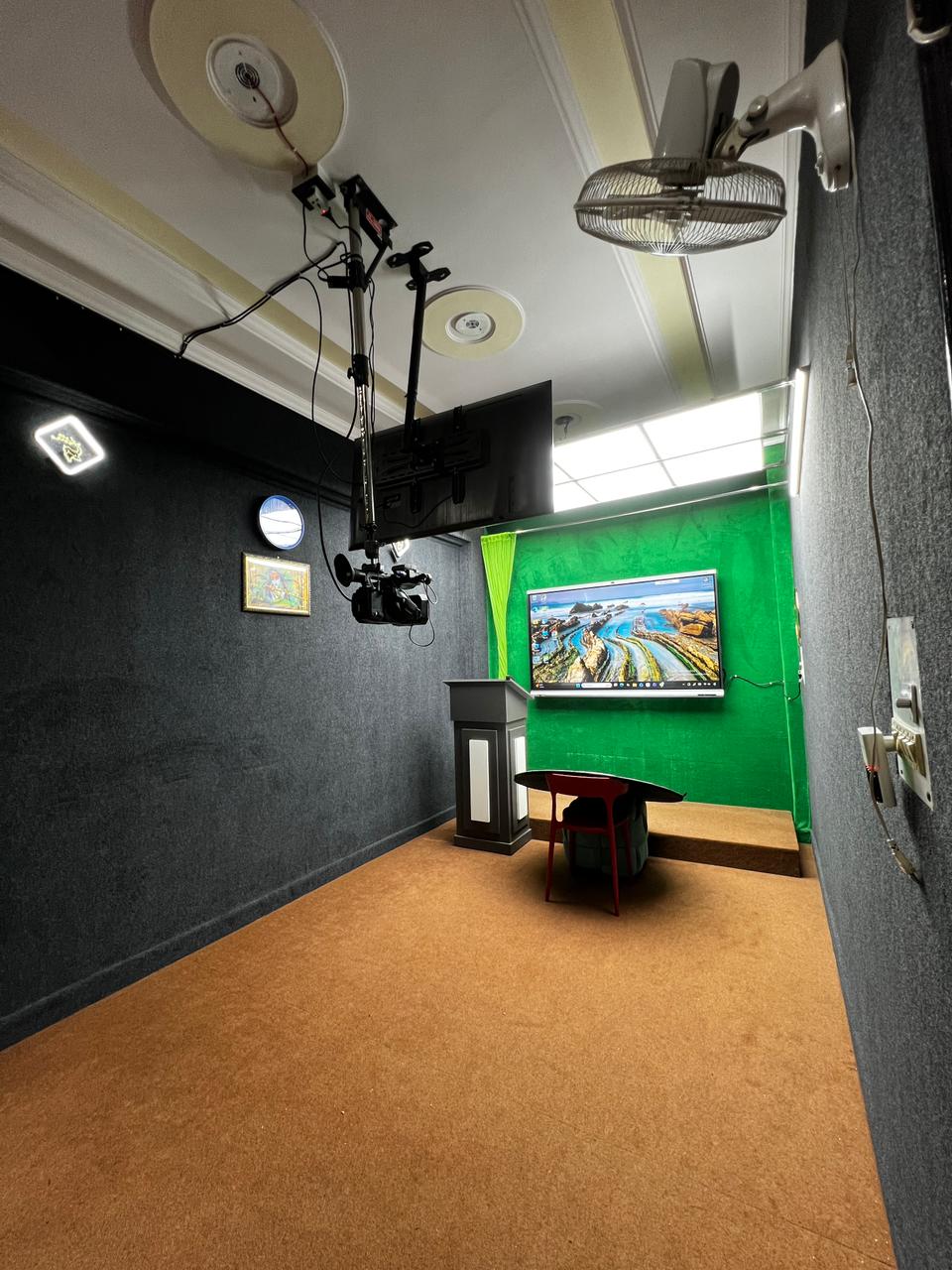
A professional teaching studio helps educators deliver clear, engaging, and effective online classes. Whether you are a teacher, coaching institute, school, or educational content creator, the right equipment can improve the quality of live classes, recorded lectures, and hybrid teaching sessions.
What Is a Teaching Studio?
A teaching studio is a dedicated space designed for online teaching, lecture recording, and educational content creation. It combines modern technology and professional equipment to help educators present lessons clearly and create an effective learning environment.
Essential Equipment for a Teaching Studio Setup
1. Camera
A good-quality camera helps capture the instructor and teaching area clearly. Depending on the room size and teaching requirements, a webcam or PTZ camera may be suitable for live classes and lecture recording.
2. Microphone and Audio System
Clear audio is essential for effective online teaching. A suitable microphone helps students hear explanations clearly, while proper room acoustics can reduce distracting echoes and improve speech quality.
3. Professional Lighting
Proper lighting keeps the instructor clearly visible during online classes and video recordings. Well-positioned lights can reduce unwanted shadows and improve overall video quality.
4. Interactive Display
An interactive flat panel or digital whiteboard allows educators to explain concepts, annotate presentations, and display educational content. It is especially useful for lessons involving diagrams, demonstrations, and step-by-step explanations.
5. Computer and Internet Connectivity
A compatible computer, suitable teaching software, and a stable internet connection support video conferencing, screen sharing, recording, and live streaming. Check equipment compatibility before finalizing your setup.
How to Choose the Right Teaching Studio Equipment
Before selecting equipment, consider your room size, teaching format, budget, audio-visual requirements, and future needs. Ensure that the camera, microphone, display, computer, and software work well together.
It is also important to test the complete setup before conducting live classes. Checking camera angles, audio quality, lighting, and internet connectivity in advance can help prevent avoidable teaching issues.
Explore Teaching Studio Solutions by Nirakt
Nirakt offers professional teaching studio solutions designed to support modern education and hybrid learning environments. The appropriate configuration depends on your teaching requirements, available space, and preferred equipment.
Explore Nirakt Teaching Studio Solutions to learn more about creating a professional teaching environment for online classes, recorded lectures, and hybrid learning.
Frequently Asked Questions
1. What equipment is needed for a teaching studio?
A typical teaching studio may include a camera, microphone, lighting, computer, teaching software, and an interactive display. The exact equipment depends on your teaching requirements and budget.
2. Is a teaching studio suitable for online classes?
Yes. A teaching studio can support live online classes, recorded lectures, webinars, and hybrid teaching, depending on its configuration.
3. How do I choose the right teaching studio setup?
Consider your room size, teaching format, audio and video requirements, equipment compatibility, and budget before selecting a setup. Choose equipment that meets your current needs and allows room for future expansion.
Conclusion
The right teaching studio setup brings together cameras, audio equipment, lighting, and teaching technology to support clear and engaging lessons. Careful planning helps educators create a suitable environment for online classes, recorded lectures, and hybrid teaching.
Explore: Nirakt Teaching Studio Solutions to find a configuration aligned with your teaching needs.